Free homeschool planner: before you upgrade
A free homeschool planner app should help a family prove that the basic rhythm works before asking for an upgrade. The best free tier is not a demo page. It should support a real week.
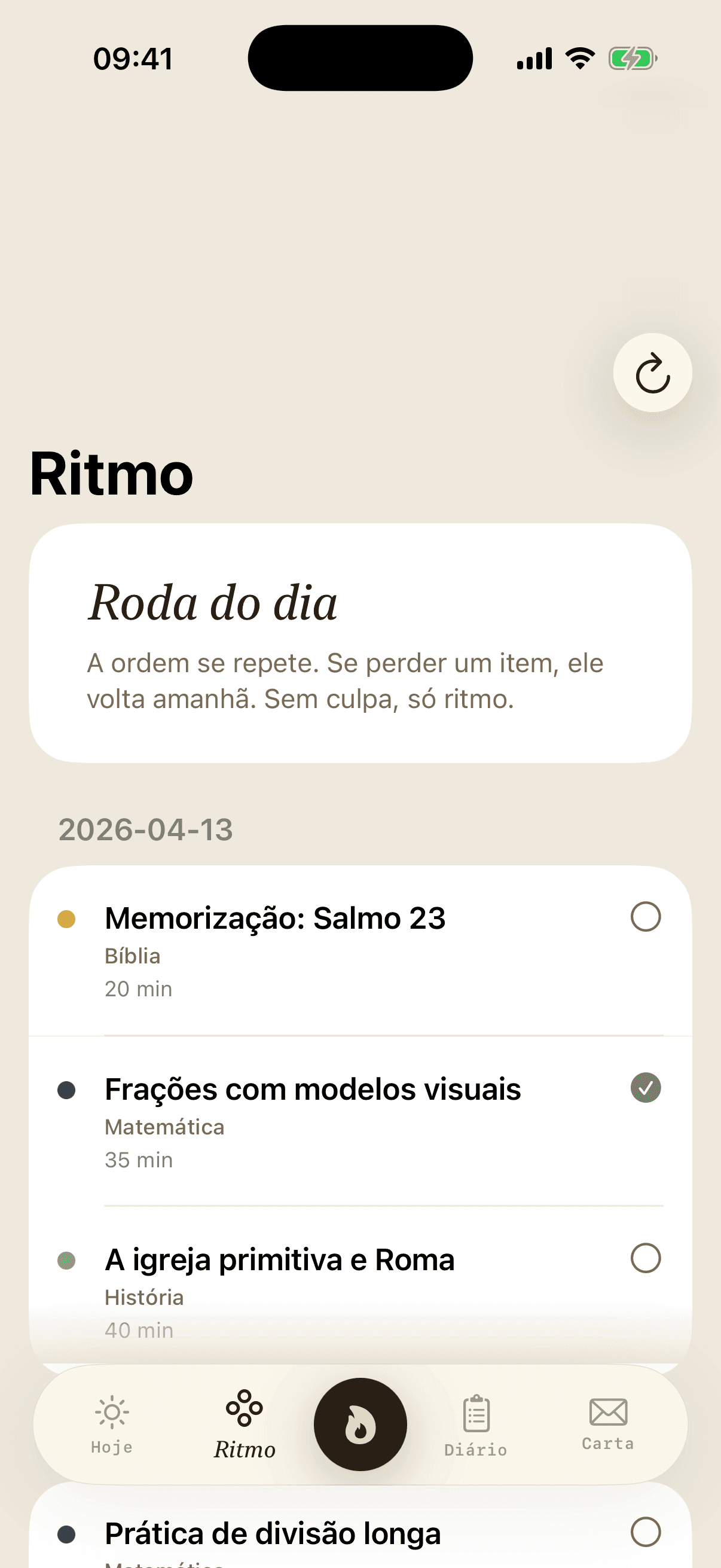
Start with one complete student workflow
The first test is simple: can you plan lessons, mark attendance and review the week for one student without leaving the app? If the free tier cannot support that loop, it will be hard to trust it for the family.
A small, complete workflow is better than a large feature list that breaks the daily habit.
Look for records, not only planning
Many planners focus on what should happen. Homeschool families also need a record of what did happen. Attendance, hours, completed lessons and short notes are what make the planner useful after the week is over.
Before upgrading, confirm that the planner helps you keep evidence as part of normal use.
When an upgrade starts to make sense
An upgrade usually makes sense when the free workflow is already saving time and the family needs more capacity: additional students, richer reports, deeper curriculum planning or stronger evidence exports.
Upgrade because the routine is working, not because the free tier left basic planning unfinished.
Start your free homeschool week in FaithSchool
Plan lessons, track attendance and hours, and keep your records ready — no credit card required.
Keep reading
Put this article to work with planning, records and the family's daily rhythm.
View the guide library